How to Convert PowerPoint (PPTX) to PDF for Investor Pitch Decks & Handouts
Sending pitch decks as raw PPTX files invites font substitution bugs, misaligned text boxes, and accidental slide edits. Learn how converting PPTX to high-res PDF creates an immutable, professional presentation.
Technical Document Guide
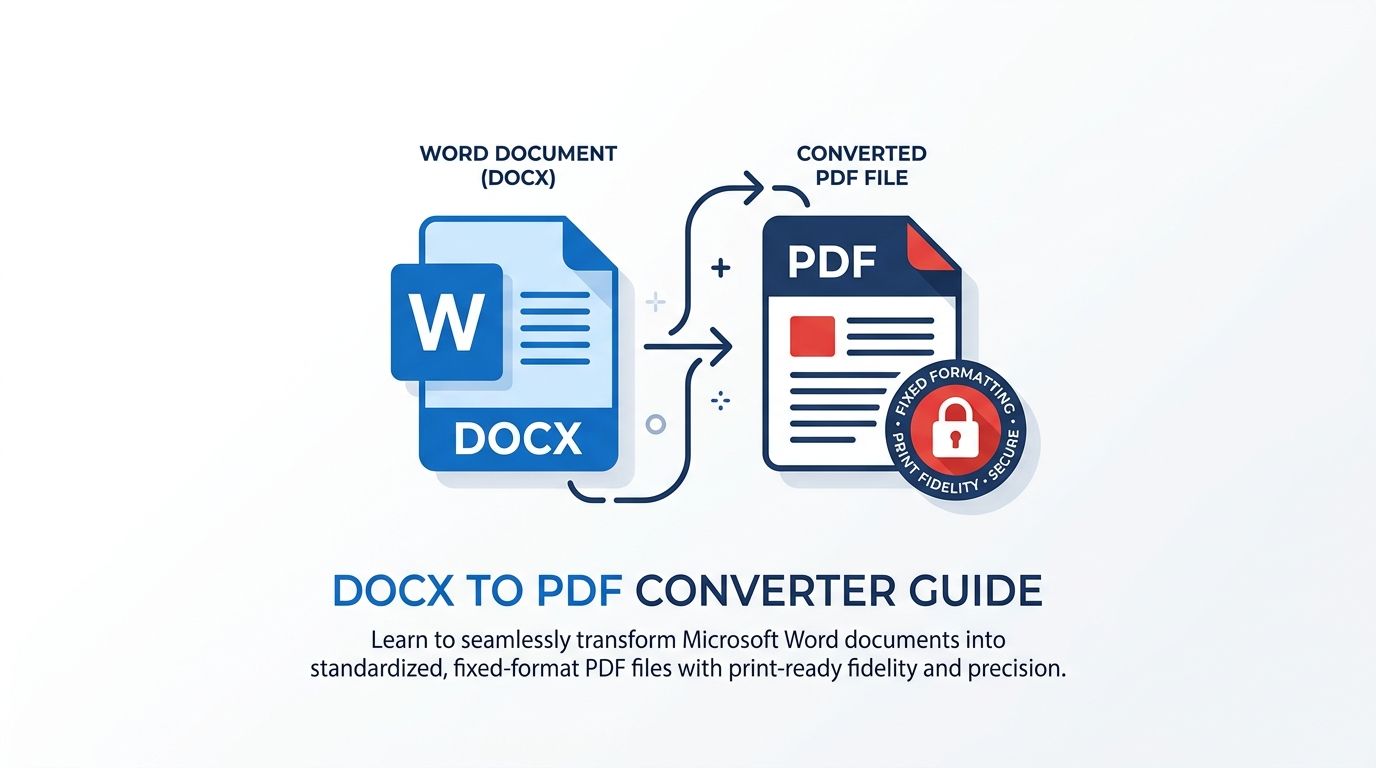 Visual demonstration of converting multi-slide PowerPoint decks into immutable, high-resolution vector PDF presentations.
Key Takeaways & Executive Summary
Font & typography locking: Raw PPTX decks substitute missing fonts on client computers; converting to PDF embeds TrueType/OpenType font packages permanently.
Vector chart & shape fidelity: PowerPoint shape geometry, smart art diagrams, and Excel-linked charts are rendered as mathematically crisp vector PDF streams.
Aspect ratio retention (16:9 & 4:3): Preserves exact widescreen canvas bounds for seamless presentation on high-definition conference monitors and iPads.
Immutable investor security: Prevents accidental deletions, unintentional layout shifting, or unauthorized edits to revenue financial projections.
Rapid web rendering: Generates optimized PDF page trees that load instantly in browser PDF viewers without sluggish PowerPoint mobile viewers.
Table of Contents
1. Why Sending Pitch Decks as Raw PowerPoint Files Is a Critical Mistake
2. How DocsEngine Preserves Vector Shapes and High-Res Graphics
3. Step-by-Step Guide: How to Convert PowerPoint to PDF Online Free
4. Best Practices for Exporting Presentations to PDF
Frequently Asked Questions
1. Why Sending Pitch Decks as Raw PowerPoint Files Is a Critical Mistake
2. How DocsEngine Preserves Vector Shapes and High-Res Graphics
3. Step-by-Step Guide: How to Convert PowerPoint to PDF Online Free
4. Best Practices for Exporting Presentations to PDF
Frequently Asked Questions
1. Why Sending Pitch Decks as Raw PowerPoint Files Is a Critical Mistake
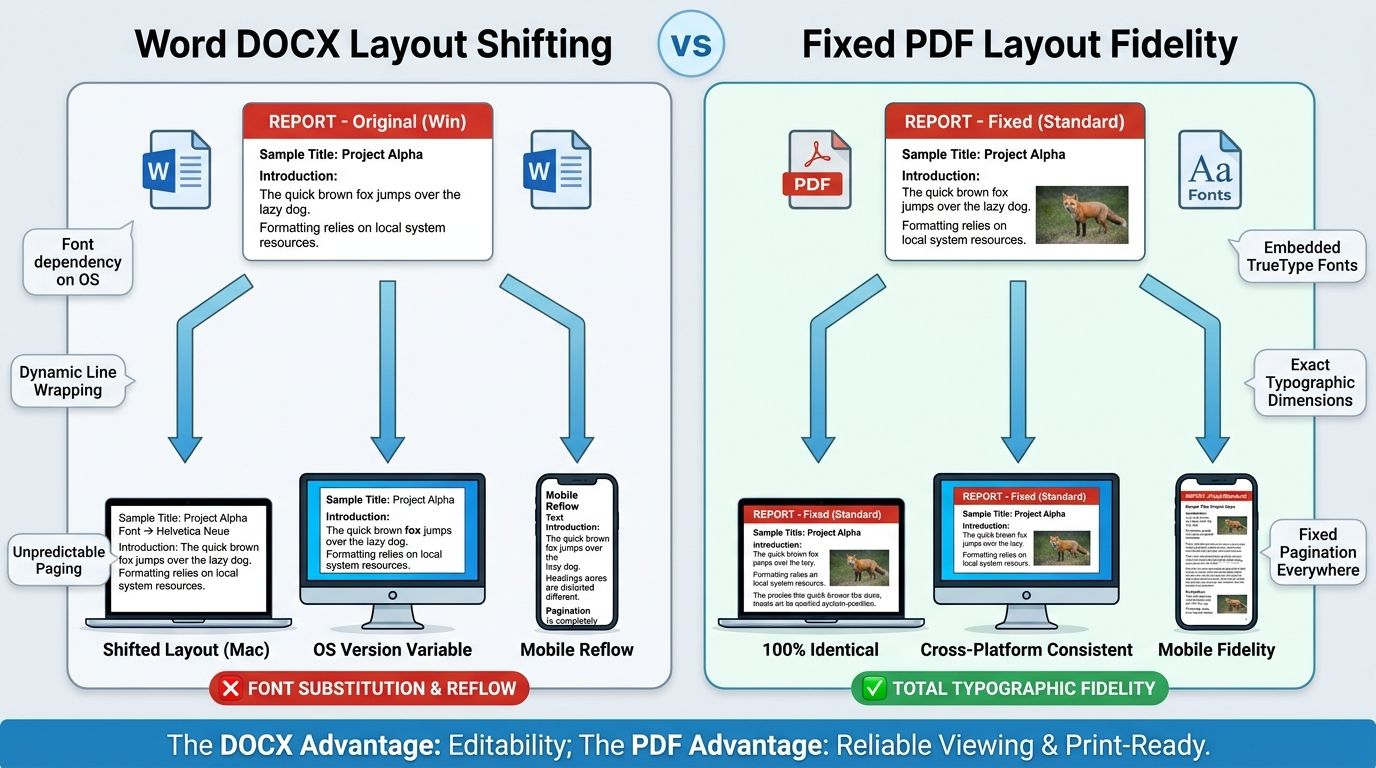
When pitch decks, sales proposals, or keynote slides are emailed as editable `.pptx` or `.ppt` files, you surrender control over how the presentation looks. If your design team utilized custom brand typography (such as Inter, Gilroy, or Montserrat) and the venture capitalist opens the file on an iPhone or Mac without those fonts installed, PowerPoint defaults to fallback fonts like Times New Roman or Arial.
Text boxes suddenly wrap unexpectedly, headings overlap sub-bullets, and carefully calibrated financial charts clip outside slide boundaries. Furthermore, sending editable files allows recipients or competitors to accidentally drag shapes, alter figures, or misplace slide order.
The Font Substitution Trap
Over 80% of formatting glitches when sharing PowerPoint files between Mac and Windows computers are caused by un-embedded fonts substituting with mismatched character metrics.
2. How DocsEngine Preserves Vector Shapes and High-Res Graphics
DocsEngine employs a dedicated presentation rasterization and vector rendering engine that converts PowerPoint slides into ISO 32000 PDF documents:
1. Direct Font Embedding: Every typeface glyph used in your slide deck is subsetted and embedded directly into the PDF font dictionary, ensuring identical typographic kerning across all devices.
2. Vector Canvas Translation: Native PowerPoint shapes, lines, arrows, and smart art diagrams are translated into vector PDF draw commands, guaranteeing infinite zoom clarity without pixelation.
3. High-Definition Image Preservation: Slide photography and transparent PNG logos are retained at native 300 DPI resolution without lossy downsampling.
| Presentation Element | Raw PPTX File Behavior | DocsEngine Vector PDF Output | Presenter Advantage |
|---|---|---|---|
| Custom Brand Fonts | Reverts to system defaults on recipient device | 100% Embedded font subsets | Exact brand typography on every device |
| Vector Charts & Icons | Requires PowerPoint charting engine to render | Native PDF vector path instructions | Tack-sharp rendering at 4K/8K projection |
| Slide Aspect Ratio | Can distort on mismatched mobile viewers | Strict 16:9 widescreen or 4:3 box | Guaranteed presentation framing on iPads/tablets |
| Document Editability | Fully editable (prone to accidental tampering) | Read-only immutable vector PDF | Protects intellectual property & financial data |
3. Step-by-Step Guide: How to Convert PowerPoint to PDF Online Free
Converting your presentation to an executive-ready PDF takes 3 simple steps:
- Upload Presentation: Drop your .pptx or .ppt slide deck into the DocsEngine PowerPoint to PDF tool.
- Process Slide Geometry: Our engine parses slides, vector layers, slide masters, and font subsets in isolated memory.
- Download Pitch-Ready PDF: Click "Download PDF" to save your high-resolution, unmodifiable presentation file.
4. Best Practices for Exporting Presentations to PDF
• Standardize on 16:9 Widescreen: Modern conference projectors, executive laptops, and tablets use 16:9 widescreen. Convert slides in 16:9 format to avoid black pillar bars.
• Eliminate Animations for Print/PDF: Because PDF is a paginated document format, ensure animated layered elements are collapsed into finalized visual layouts before export.
• Compress Background Photos: If your deck contains dozens of 20MB stock photos, run your exported document through our Compress PDF tool to ensure smooth email delivery.
Convert Your PowerPoint Decks to PDF Now
Lock fonts, preserve vector charts, and create pitch-ready presentations in seconds. 100% free.
Frequently Asked Questions
Yes. The engine automatically detects the presentation canvas dimensions (16:9 widescreen or traditional 4:3) and generates PDF pages with matching aspect ratios.
Yes. DocsEngine supports legacy PowerPoint 97-2003 (.ppt) presentations, modern Microsoft Office (.pptx) decks, and OpenDocument Presentation (.odp) files.
Yes. All file conversion takes place in temporary isolated memory buffers and files are permanently purged every 12 hours at midnight. Your proprietary business data is never logged or shared.
Table of Contents
1. Why Sending Pitch Decks as Raw PowerPoint Files Is a Critical Mistake
2. How DocsEngine Preserves Vector Shapes and High-Res Graphics
3. Step-by-Step Guide: How to Convert PowerPoint to PDF Online Free
4. Best Practices for Exporting Presentations to PDF
Frequently Asked Questions
1. Why Sending Pitch Decks as Raw PowerPoint Files Is a Critical Mistake
2. How DocsEngine Preserves Vector Shapes and High-Res Graphics
3. Step-by-Step Guide: How to Convert PowerPoint to PDF Online Free
4. Best Practices for Exporting Presentations to PDF
Frequently Asked Questions
PowerPoint to PDF
Run fast, private document processing in your browser with zero permanent storage.
Share this guide
How to Convert Word DOCX to PDF While Preserving Exact Layouts and Fonts
How to Compress PDF Files Without Losing Quality: The Complete Engineering Guide