Guides for PDFs, Images and Documents
Practical, step-by-step guides to compressing, converting, securing and editing PDFs and images, written against how DocsEngine tools actually work.
How to Convert PDF to PowerPoint (PPTX): Picture Slides or Editable Text
Got a deck only as a PDF? Here is how to turn it back into a .pptx, what the two slide conversion modes do, and which parts of a slide stay a flat picture.
Key Insight
Each PDF page becomes one slide. Choose **Exact look (pictures)** to keep the design, or **Editable text** to get real text boxes.
All Articles & Tutorials
Filter by topic or search keywords across our engineering library.
30 articles
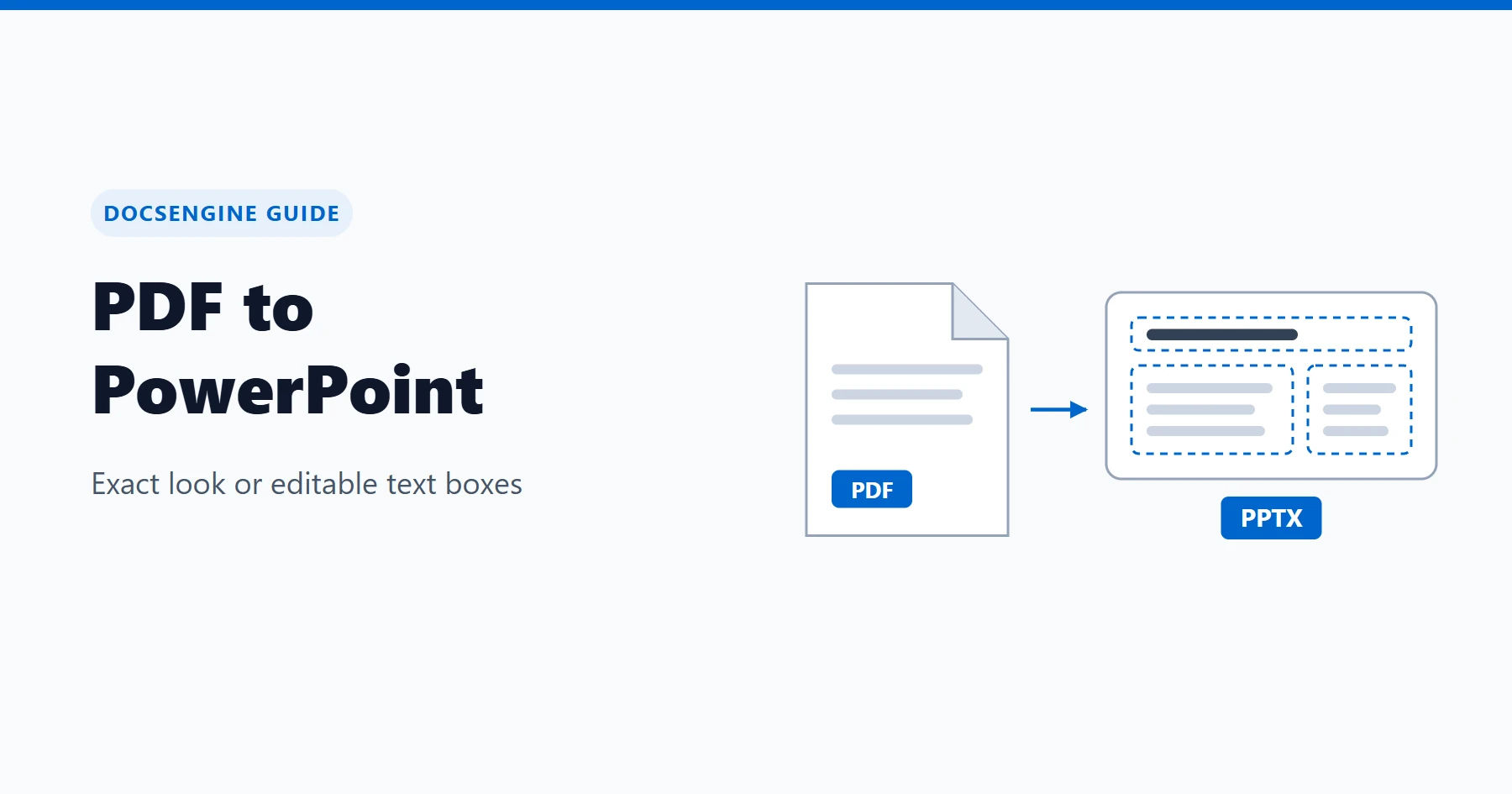
How to Convert PDF to PowerPoint (PPTX): Picture Slides or Editable Text
Got a deck only as a PDF? Here is how to turn it back into a .pptx, what the two slide conversion modes do, and which parts of a slide stay a flat picture.
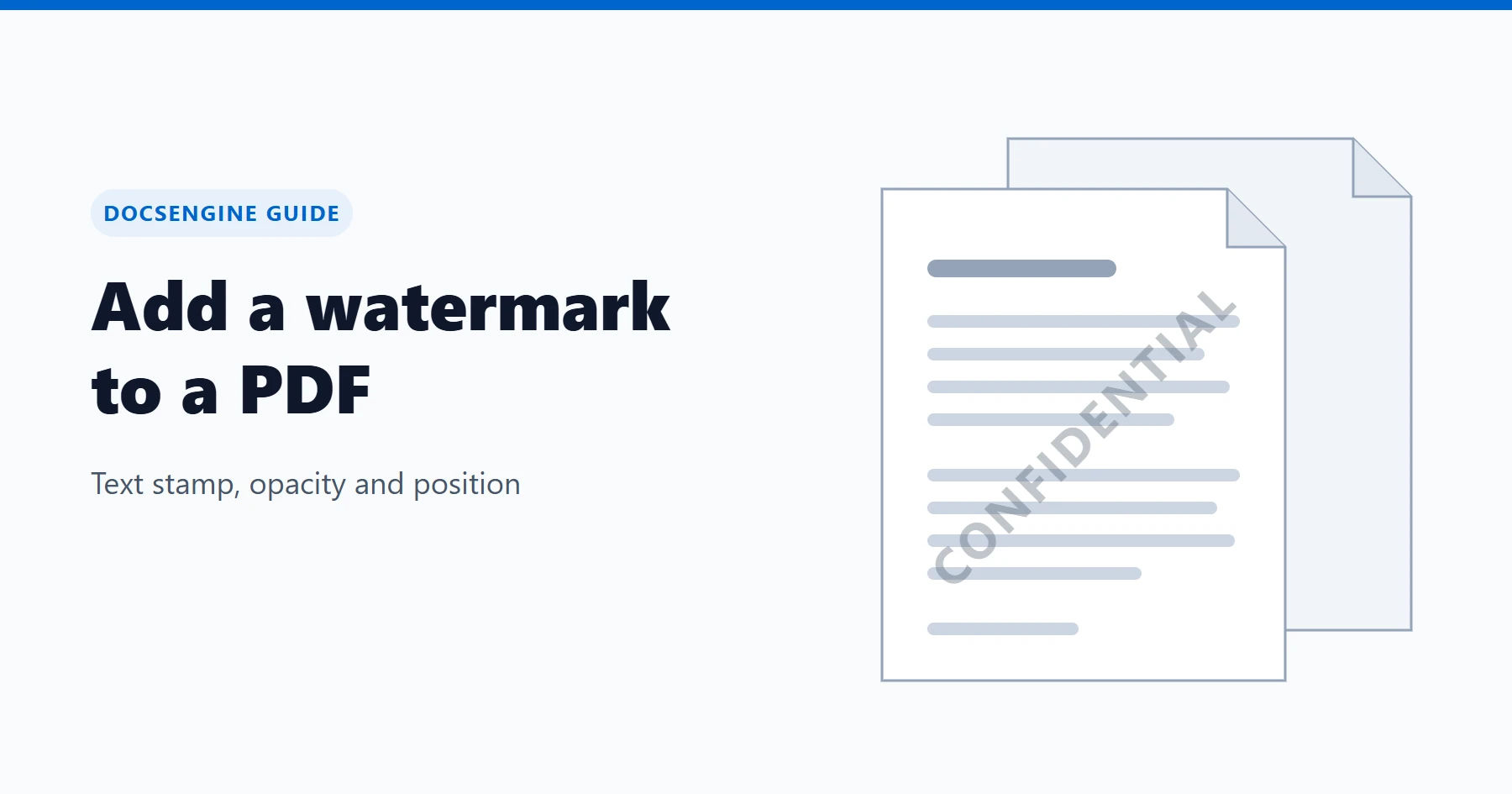
How to Add a Watermark to a PDF (Text, Opacity and Position)
Stamp a text watermark such as CONFIDENTIAL, DRAFT or your company name on every page of a PDF, and learn what a watermark can and cannot protect.
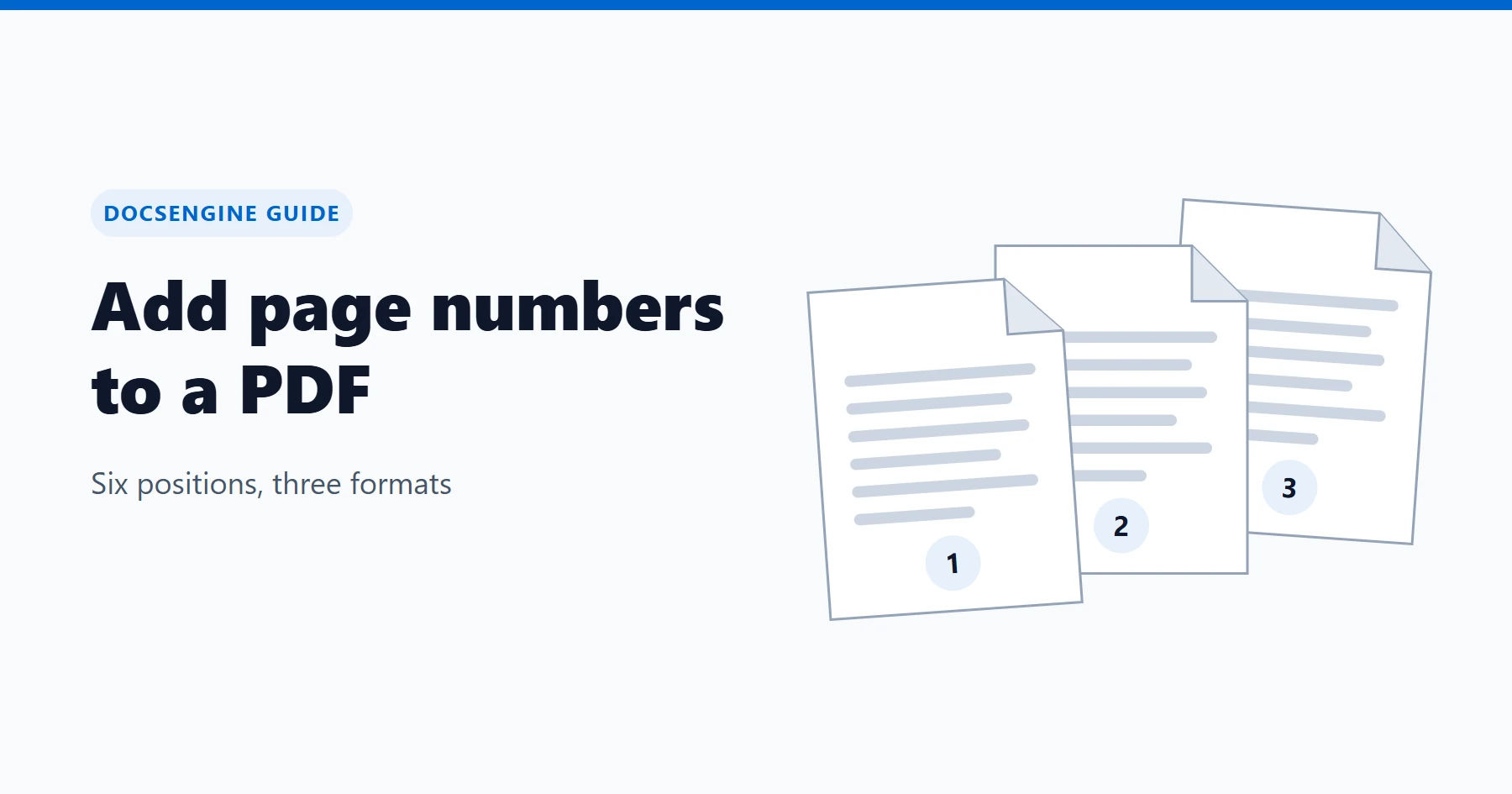
How to Add Page Numbers to a PDF (Page 1 of N, Roman Numerals, Skip Cover)
Add page numbers to a PDF in six positions and three formats, start from any number, and leave the cover unnumbered, without uploading the file.
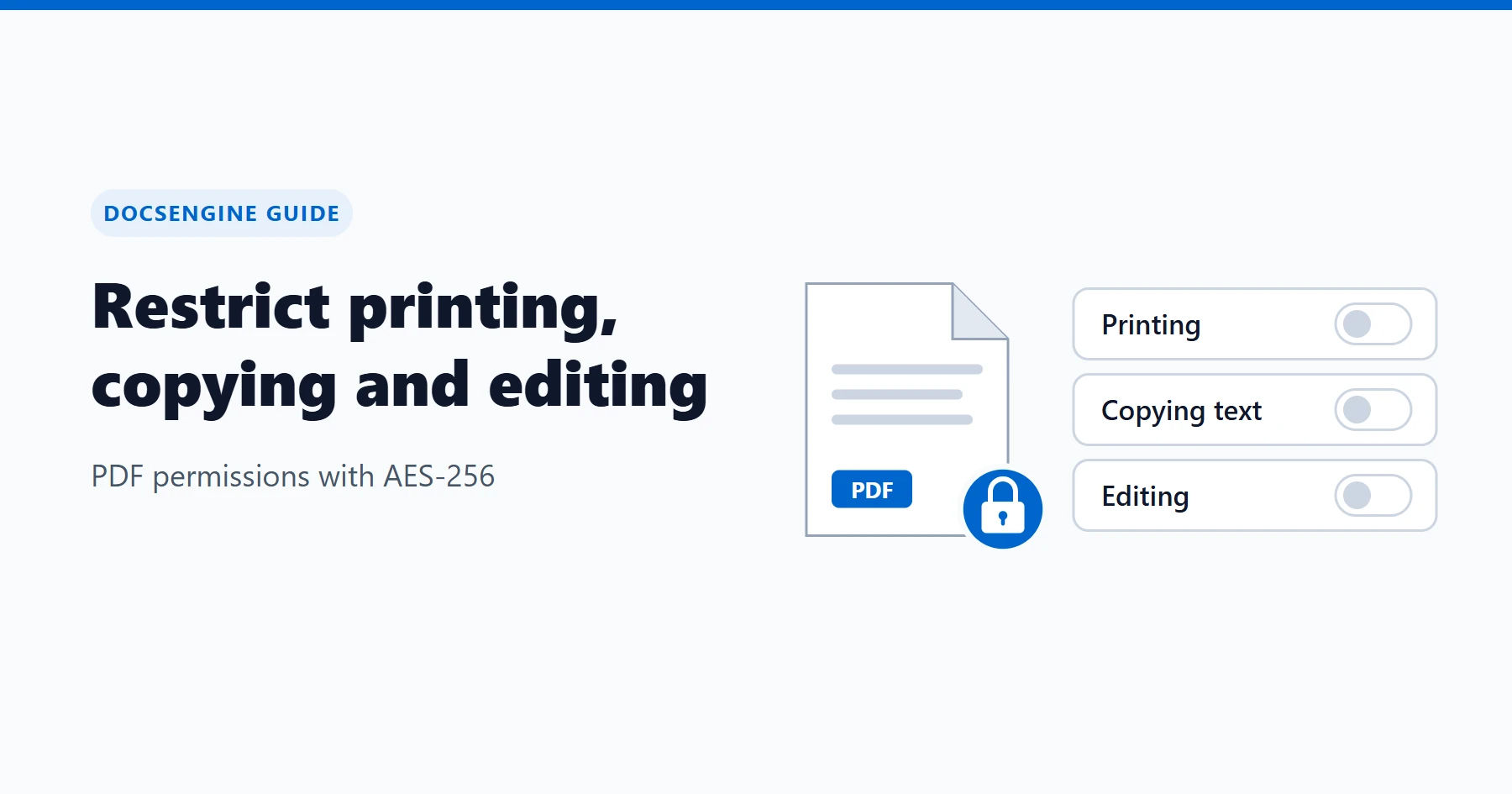
How to Restrict Printing, Copying and Editing in a PDF (Permissions Explained)
Use the Allow printing, Allow copying text and Allow editing switches in Protect PDF to limit what readers can do, and see why permissions are rules for PDF readers rather than a lock.
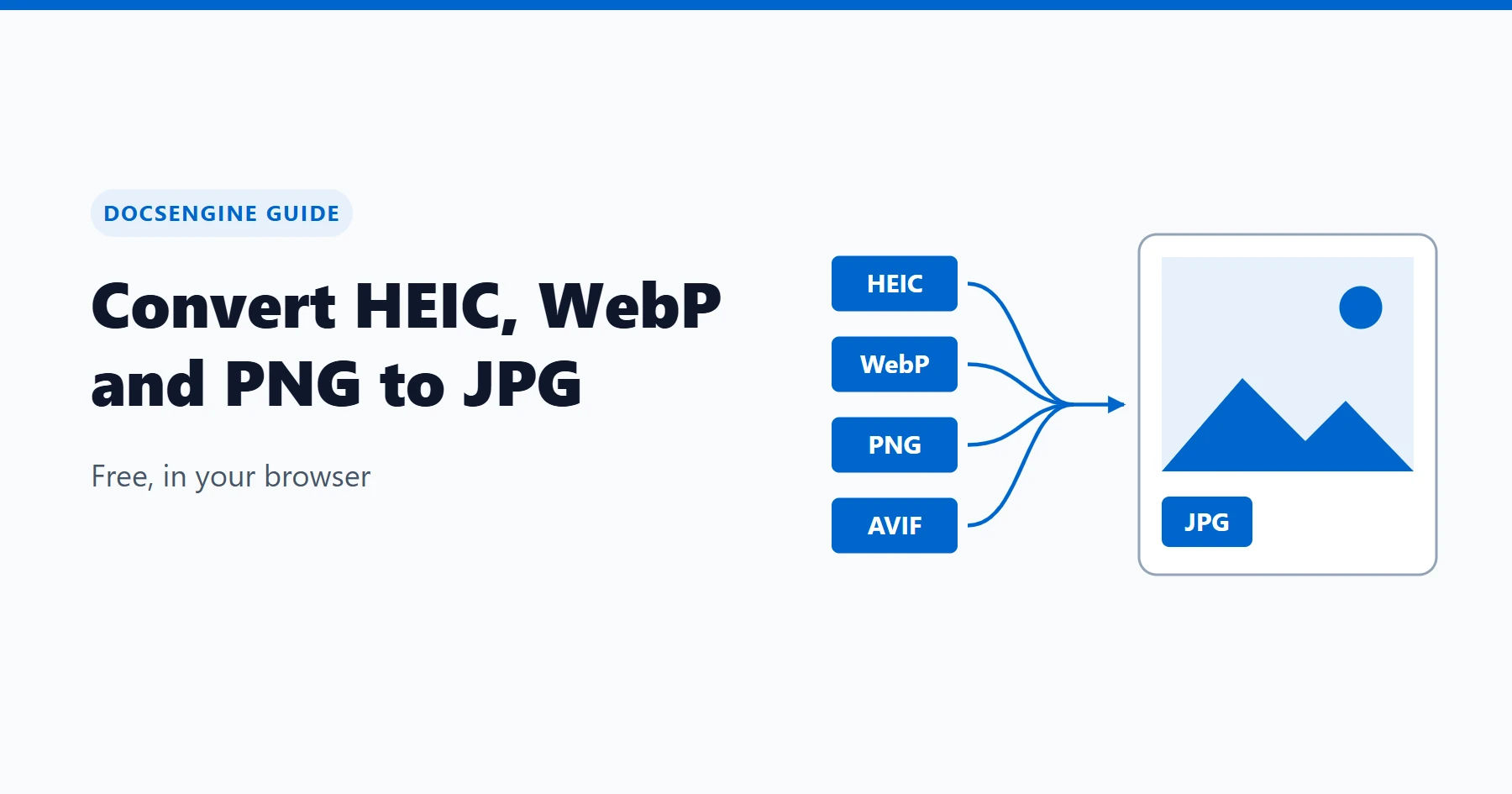
How to Convert HEIC, WebP, PNG and AVIF Images to JPG (Free, in Your Browser)
Some upload forms and apps still only take JPG. Here is how to convert HEIC, WebP, PNG and AVIF files, and what to do when an iPhone photo won’t open.
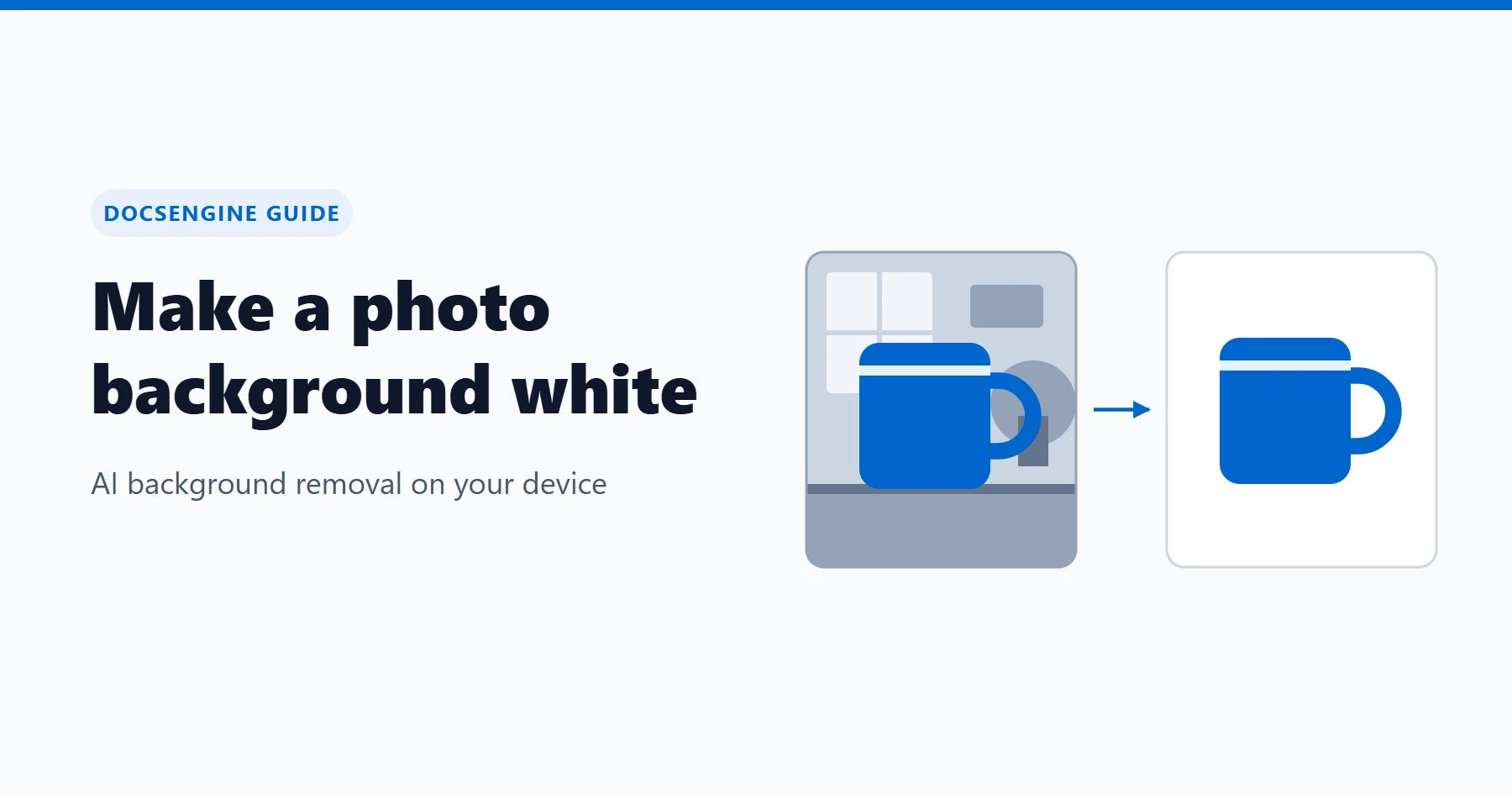
How to Make a Photo Background White (Product Photos and Profile Pictures)
A plain white background makes product shots and profile pictures look tidy. Here is how to get one in your browser, and how to spot and avoid messy edges.