Resources, Guides & Tools Hub
Everything you need to master PDF optimization, document sanitization, optical character recognition, and secure document workflows.
Blog & Guides
Step-by-step guides on compressing, converting, redacting and OCR-scanning documents, with notes on the file formats involved.
Browse All ArticlesComplete Tools Catalog
Every tool in one list: merge, split and compress PDFs, convert Word, Excel, PowerPoint, images and media, add page numbers and run OCR.
Explore Tools DirectorySecurity & File Handling
Most tools never upload your files. Server tools delete your file as soon as processing ends and the result right after you download it (or after 10 minutes).
Read Security PolicyInquiry & Support Desk
Found a bug, need help with a file, or want a new tool? Send us a message with the contact form; you get a reference ID for your request.
Contact SupportIndustry Workflows
Which tools fit common document tasks in legal, finance, education and business teams, and what each one does with your files.
View WorkflowsTerms & Compliance
The terms for using DocsEngine for free: ownership of your files, acceptable use, availability and limitation of liability.
View Terms of Service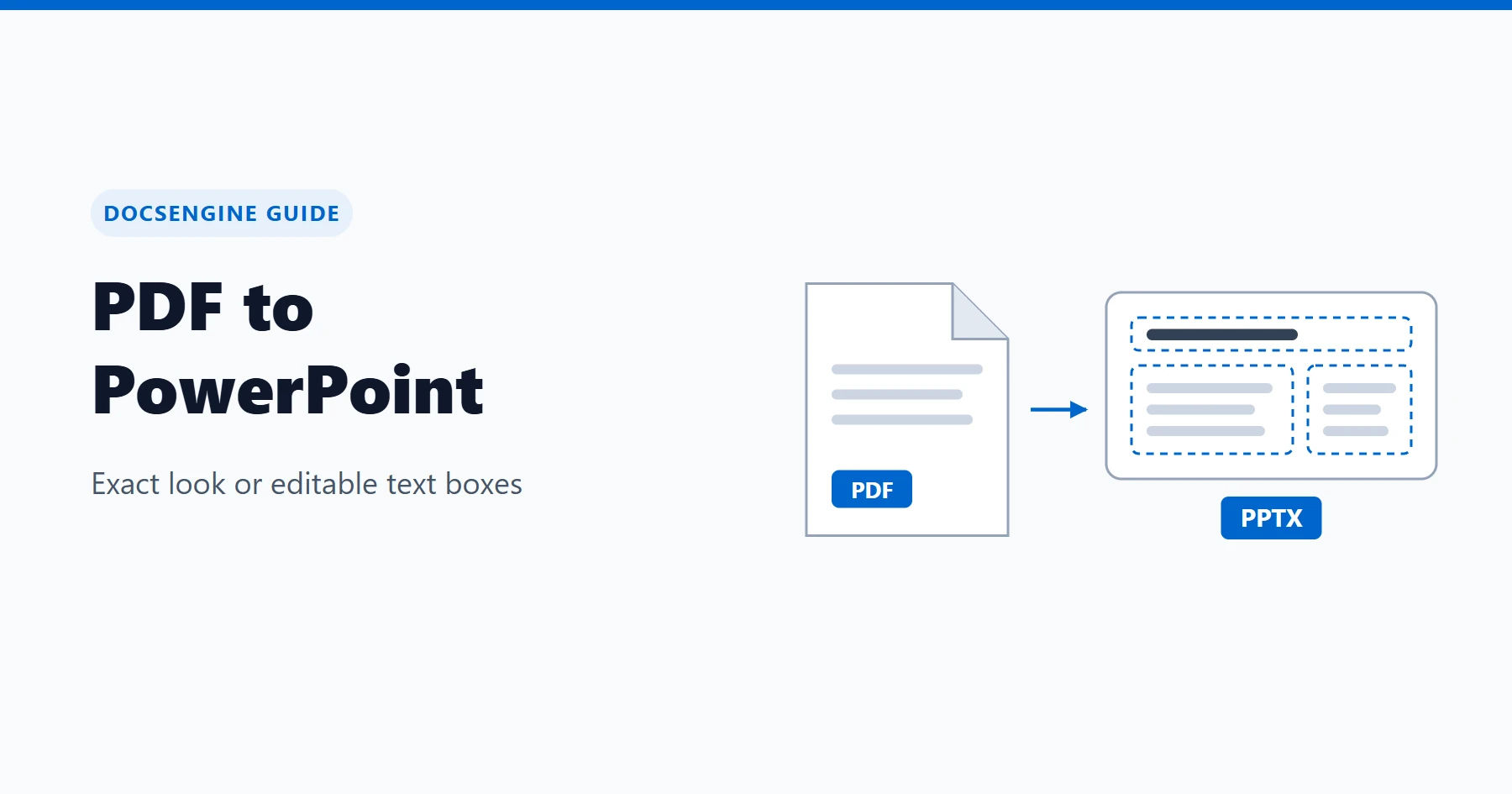
How to Convert PDF to PowerPoint (PPTX): Picture Slides or Editable Text
Got a deck only as a PDF? Here is how to turn it back into a .pptx, what the two slide conversion modes do, and which parts of a slide stay a flat picture.
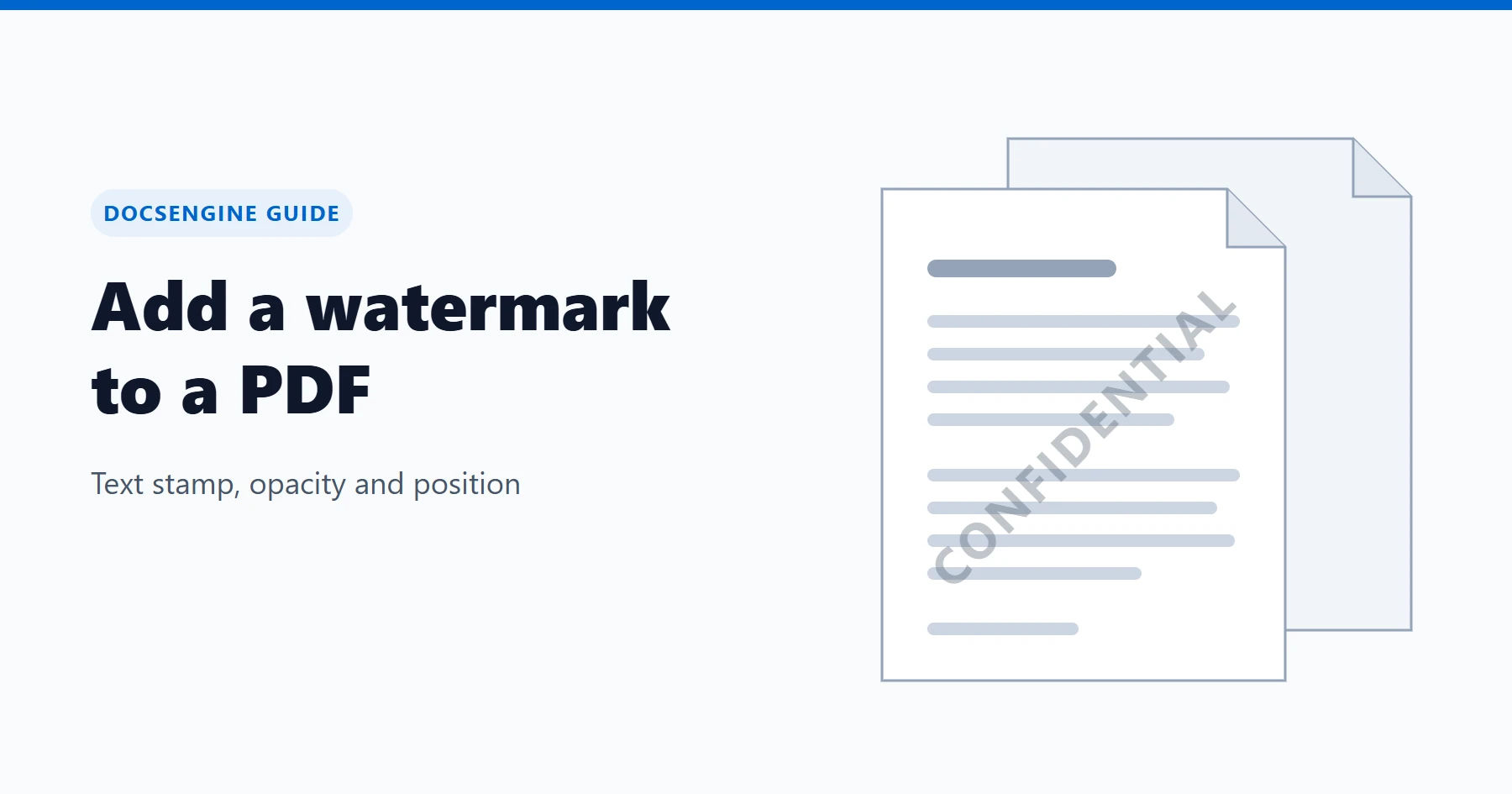
How to Add a Watermark to a PDF (Text, Opacity and Position)
Stamp a text watermark such as CONFIDENTIAL, DRAFT or your company name on every page of a PDF, and learn what a watermark can and cannot protect.
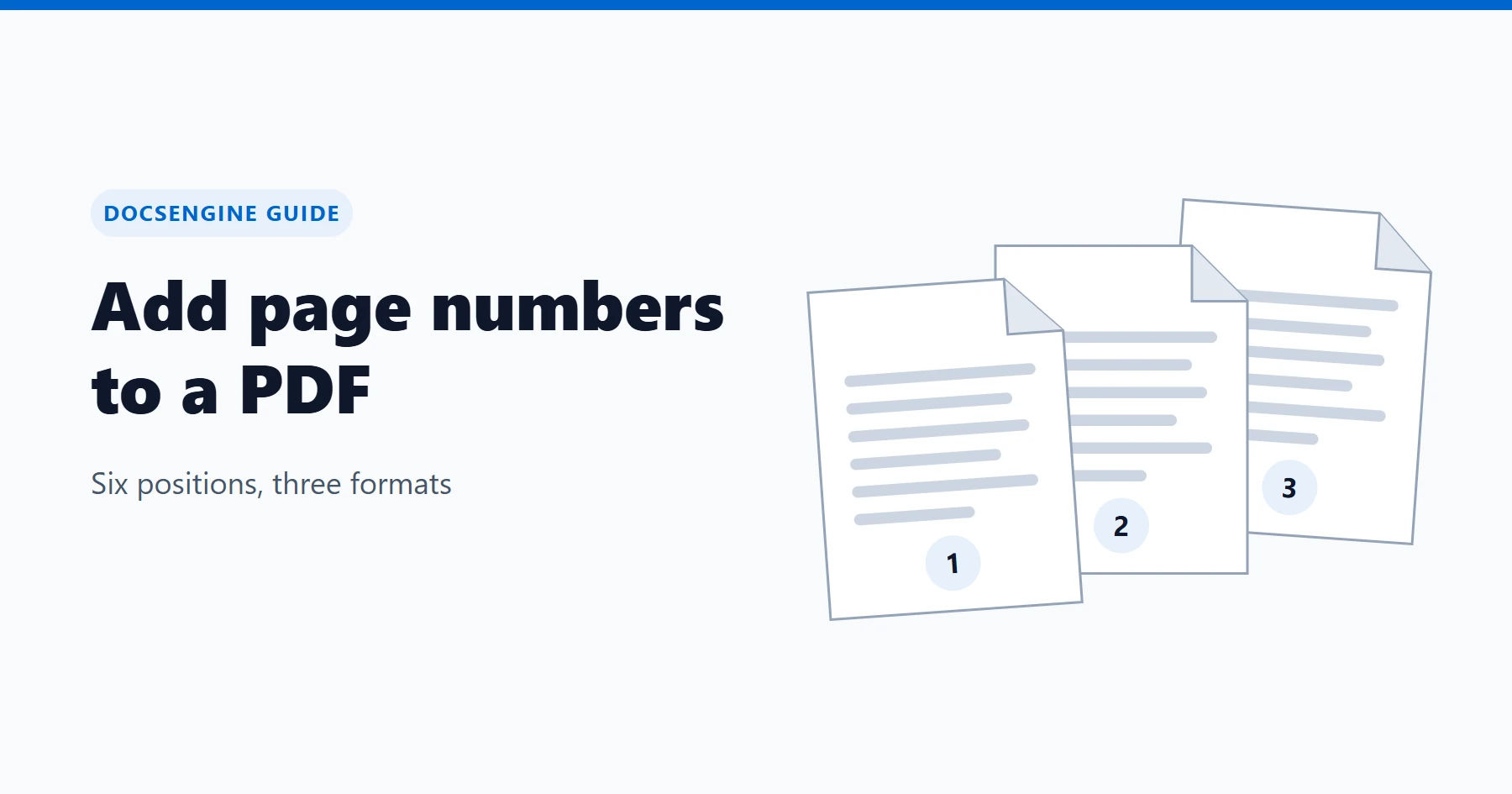
How to Add Page Numbers to a PDF (Page 1 of N, Roman Numerals, Skip Cover)
Add page numbers to a PDF in six positions and three formats, start from any number, and leave the cover unnumbered, without uploading the file.