How to Unlock Password Protected PDF Files & Remove Printing Restrictions
Entering a password every single time you view an archival bank statement or e-ticket is tedious. Discover how to permanently remove PDF encryption and owner permissions once unlocked.
Technical Document Guide
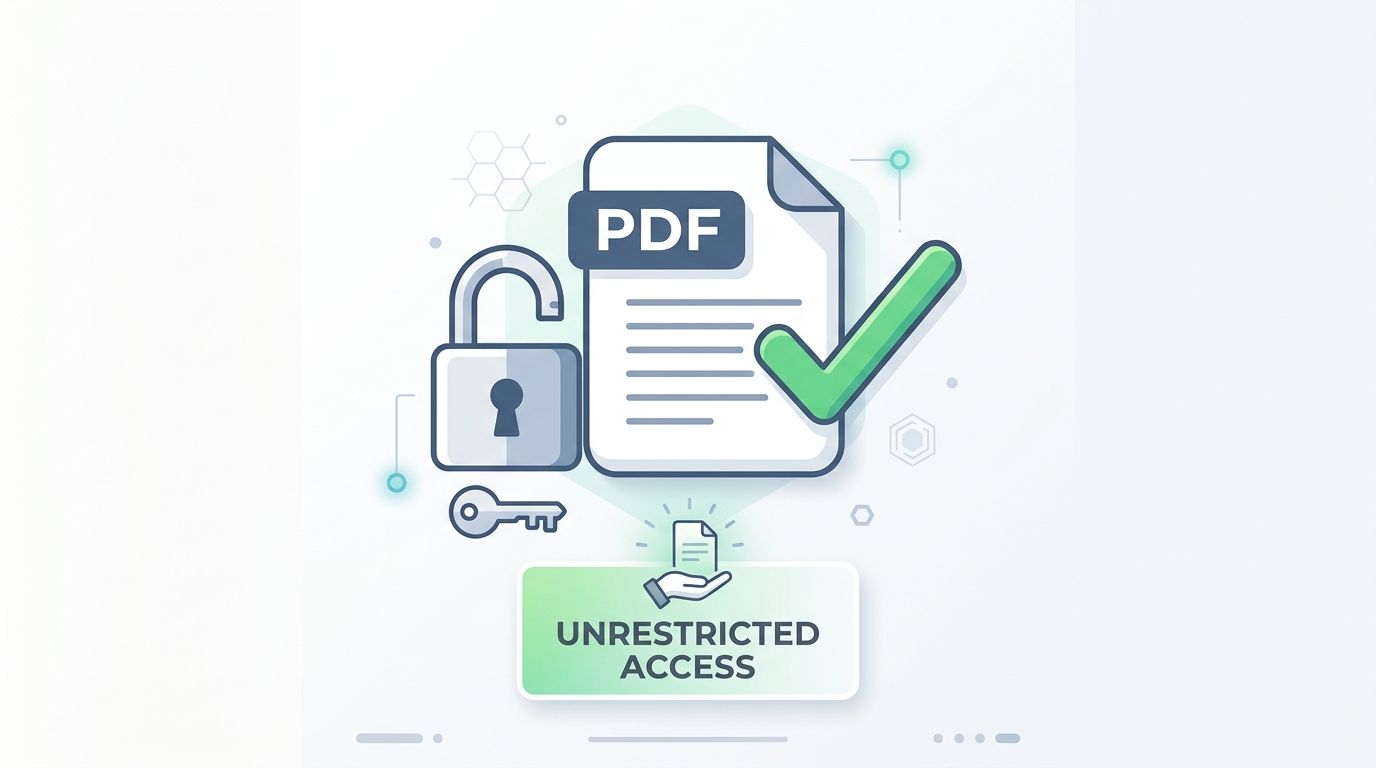 Visual representation of stripping PDF owner permissions and export passwords to enable permanent unrestricted document access.
Key Takeaways & Executive Summary
Permanent decryption vs. repeated unlocking: Removing the password decrypts the raw PDF content streams, so neither you nor your colleagues ever have to re-enter a passphrase again.
Strip owner permissions instantly: Remove restrictive security flags that prevent high-resolution printing, copy-pasting text, and adding annotations.
Legal and authorized decryption: Designed for users who possess the valid password (such as monthly bank statements, payslips, or e-tickets) and want frictionless archiving.
Preserve formatting and structure: Decrypting unwraps the AES envelope without modifying fonts, vector graphics, form fields, or digital signatures.
Strict client-side privacy: Passwords and documents are evaluated in temporary memory buffers and purged every 12 hours at midnight.
Table of Contents
1. Why Unlocking Routine Password-Protected Documents Saves Hours
2. Removing User Passwords vs. Removing Owner Permissions
3. Step-by-Step Guide: How to Unlock a Password-Protected PDF Online
4. Legal and Ethical Use of PDF Decryption
Frequently Asked Questions
1. Why Unlocking Routine Password-Protected Documents Saves Hours
2. Removing User Passwords vs. Removing Owner Permissions
3. Step-by-Step Guide: How to Unlock a Password-Protected PDF Online
4. Legal and Ethical Use of PDF Decryption
Frequently Asked Questions
1. Why Unlocking Routine Password-Protected Documents Saves Hours
Many utility providers, banks, telecommunications carriers, and payroll departments deliver monthly PDF statements locked with passwords—often your date of birth, postal code, or national ID number. While password protection makes sense during email transit, keeping documents locked forever creates a severe archival nightmare.
When you want to merge your tax statements into a single annual report, send mortgage records to an underwriter, or print an airline itinerary at a hotel kiosk, the password prompt halts your workflow. Removing the password once and for all creates an open, easily searchable, and printable document ready for long-term cloud storage.
Document Workflow Efficiency
Attempting to merge or split a password-protected PDF in any standard software will result in failure errors until the internal cryptographic lock is stripped.
2. Removing User Passwords vs. Removing Owner Permissions
Understanding which lock your document has determines how it is unlocked:
1. Document Open Password (User Lock): Requires typing the authorized password once into DocsEngine. Our cryptographic engine verifies the hash, decrypts the RC4/AES payload, and re-saves the PDF without the `/Encrypt` catalog dictionary.
2. Permissions Restriction (Owner Lock): If a document opens freely but greys out the "Print", "Highlight", or "Copy Text" options, it has an Owner restriction. DocsEngine can strip these permission flags instantly, granting full administrative access to your document.
| Restriction Type | User Password Needed? | Owner Password Needed? | What DocsEngine Unlocks |
|---|---|---|---|
| Document Open Password | Yes (must provide valid key) | No | Permanently removes password prompt for all viewers |
| Printing Disabled | No (if file opens freely) | No | Enables full 300+ DPI physical and digital printing |
| Text Copying Blocked | No (if file opens freely) | No | Re-enables text selection, clipboard copy, & Ctrl+F |
| Page Extraction Locked | No (if file opens freely) | No | Allows splitting, page reordering, and merging |
3. Step-by-Step Guide: How to Unlock a Password-Protected PDF Online
Unlocking your PDF takes less than 10 seconds:
- Upload Locked PDF: Drag and drop your secured PDF file into the DocsEngine Unlock PDF tool.
- Enter Passphrase (If Required): If the document has an open password, type it into the security box. If it only has print/copy restrictions, decryption is automatic.
- Click Unlock PDF: Our engine decrypts the document stream and strips the encryption dictionary.
- Download Unlocked PDF: Save your permanent, restriction-free PDF file.
4. Legal and Ethical Use of PDF Decryption
DocsEngine is designed exclusively for authorized document owners to manage their personal or business records. We strongly uphold intellectual property rights and ethical computing standards.
You should only unlock files that you own, have created, or have explicit legal authorization to decrypt (such as personal bank statements or corporate files entrusted to your care).
Unlock Your Password-Protected PDF Now
Remove passwords, printing locks, and copy restrictions permanently. 100% free with no watermark.
Frequently Asked Questions
No. The decryption process removes the cryptographic wrapper. Text, typography, vector layouts, form fields, and embedded images remain 100% intact.
Yes. The downloaded file is a completely standard unencrypted PDF. You and anyone you share it with will never be asked for a password again.
No. Passwords are never logged or stored. Processing occurs entirely in temporary memory and files are permanently purged every 12 hours at midnight.
Table of Contents
1. Why Unlocking Routine Password-Protected Documents Saves Hours
2. Removing User Passwords vs. Removing Owner Permissions
3. Step-by-Step Guide: How to Unlock a Password-Protected PDF Online
4. Legal and Ethical Use of PDF Decryption
Frequently Asked Questions
1. Why Unlocking Routine Password-Protected Documents Saves Hours
2. Removing User Passwords vs. Removing Owner Permissions
3. Step-by-Step Guide: How to Unlock a Password-Protected PDF Online
4. Legal and Ethical Use of PDF Decryption
Frequently Asked Questions
Unlock PDF
Run fast, private document processing in your browser with zero permanent storage.
Share this guide
How to Password Protect a PDF File with AES-256 Encryption (Bank-Grade Security)
How to Combine Multiple PDF Files into One Document: The Definitive Guide