How to Upscale Low-Resolution Images to 4K & 8K with AI (Deep Learning Super-Resolution)
Traditional bicubic enlargement blurs pixels into a fuzzy haze. Discover how deep convolutional neural networks reconstruct authentic high-frequency details, sharp edges, and skin textures for ultra-crisp 4K prints.
Technical Document Guide
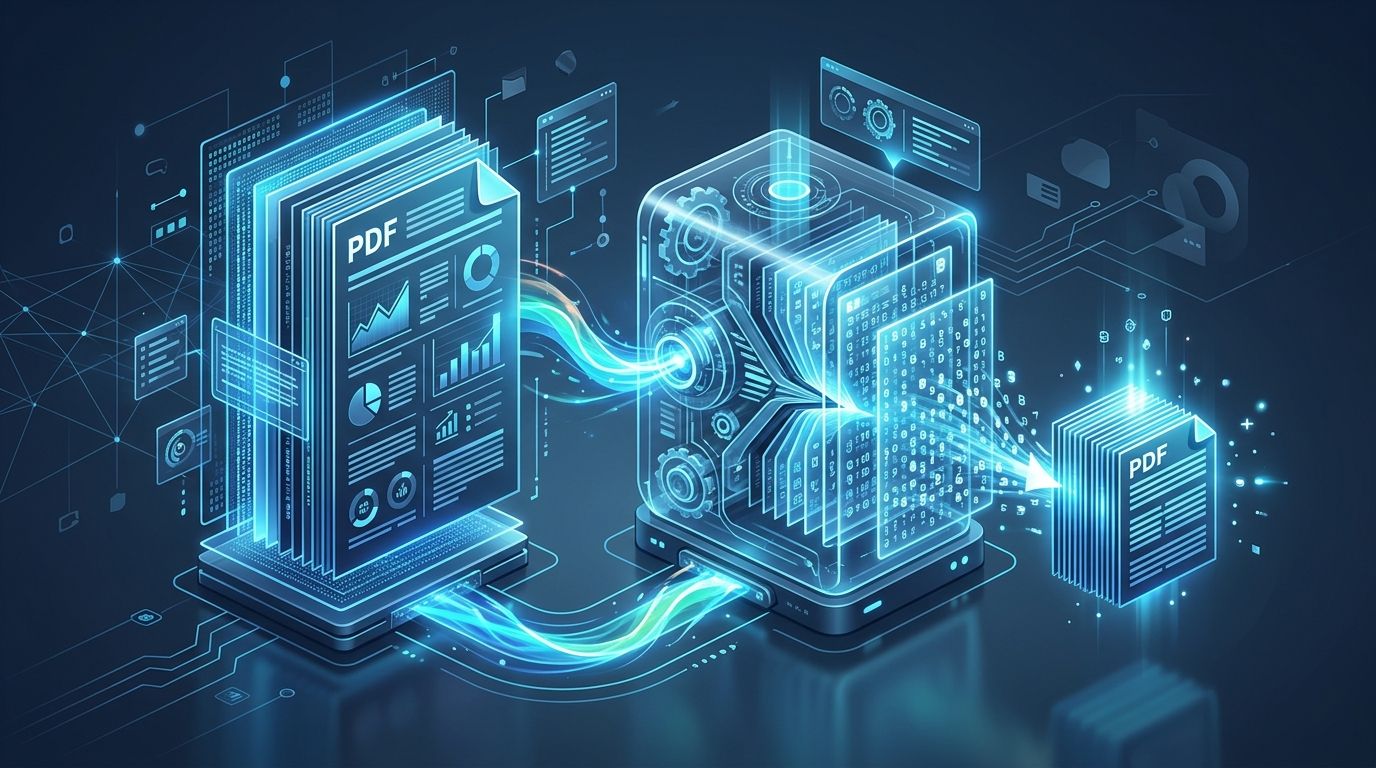
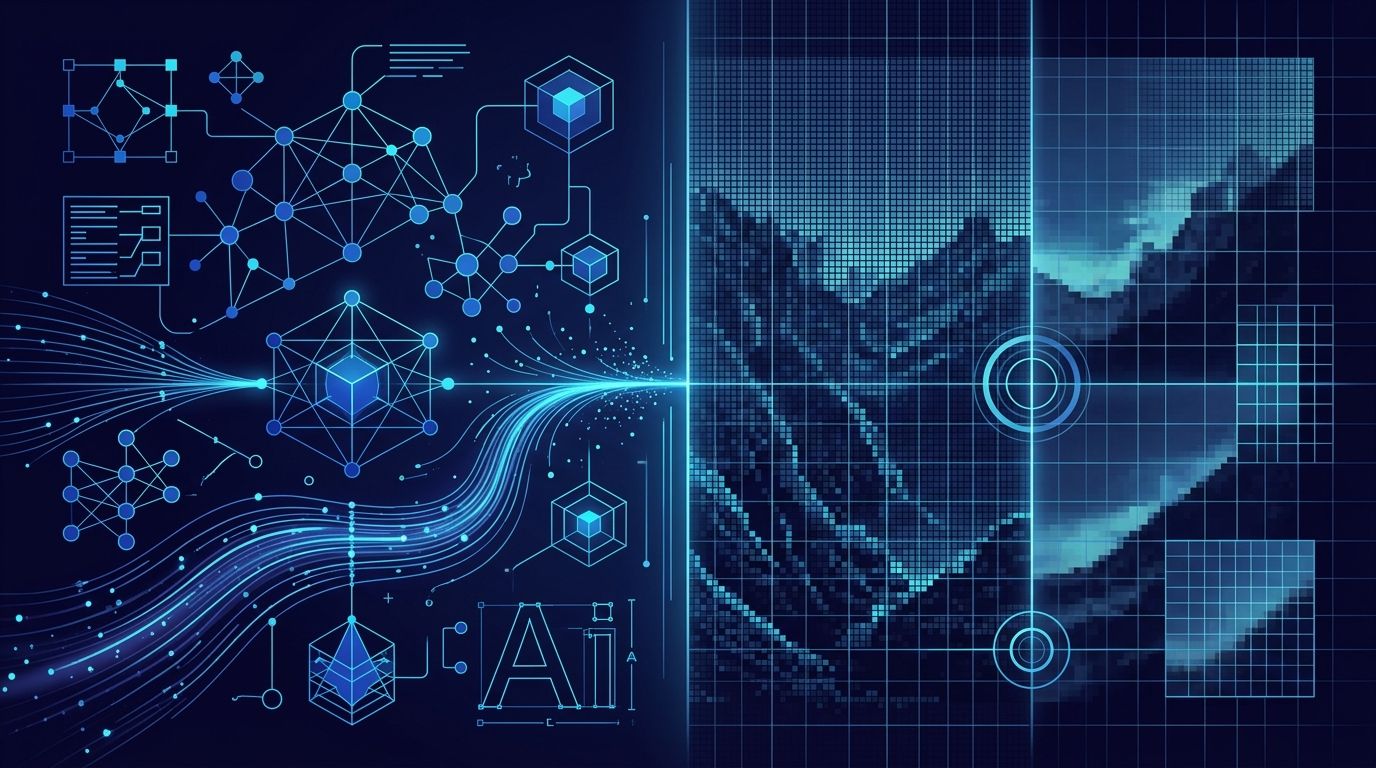
 Visual demonstration of deep learning super-resolution: hallucinating realistic textures and sharp vector-like boundaries from low-res raster inputs.
Key Takeaways & Executive Summary
Super-resolution vs. standard interpolation: Traditional interpolation averages neighboring pixel colors, causing blurriness; deep neural networks predict and generate authentic high-frequency details.
Generative detail reconstruction: Trained on millions of high-resolution images, AI models synthesize realistic skin textures, fabric weaves, eyelash strands, and landscape foliage.
2x and 4x scale factors: Enlarge a 720p photo to 1440p (2x) or upscale 1080p directly to cinema-grade 4K UHD (3840×2160 px) in seconds.
Zero JPEG compression artifacting: AI upscaling removes blocky DCT compression noise, color banding, and grain during the enlargement pass.
Browser-based neural inference: Experience accelerated super-resolution directly online with zero GPU hardware requirements or software installation.
Table of Contents
1. Why Traditional Photo Enlargement Fails: The Pixel Interpolation Problem
2. How Deep Learning (ESRGAN & SwinIR) Reconstructs Fine 4K Detail
3. Step-by-Step Guide: How to Upscale Images to 4K Online Free
4. Best Practical Applications for AI Image Super-Resolution
Frequently Asked Questions
1. Why Traditional Photo Enlargement Fails: The Pixel Interpolation Problem
2. How Deep Learning (ESRGAN & SwinIR) Reconstructs Fine 4K Detail
3. Step-by-Step Guide: How to Upscale Images to 4K Online Free
4. Best Practical Applications for AI Image Super-Resolution
Frequently Asked Questions
1. Why Traditional Photo Enlargement Fails: The Pixel Interpolation Problem
For decades, enlarging a small digital photograph was fundamentally constrained by the laws of digital signal processing. If you have an image that is 640×480 pixels and you enlarge it by 400% to 2560×1920 pixels, your computer must fill 15 times more pixels than originally existed.
Legacy algorithms like Bilinear or Bicubic interpolation calculate mathematical averages between adjacent pixels. The result is a soft, blurry haze where sharp edges become smudged gradients and fine textures (such as hair, fabric, or text) disappear completely. Nearest Neighbor scaling simply magnifies each pixel into large rectangular blocks, producing the classic "retro pixelated" appearance.
The Information Void
Standard mathematical interpolation cannot invent new detail. Only deep learning generative models trained on millions of real-world textural priors can accurately reconstruct missing high-frequency data.
2. How Deep Learning (ESRGAN & SwinIR) Reconstructs Fine 4K Detail
DocsEngine uses modern deep learning architectures—specifically Enhanced Super-Resolution Generative Adversarial Networks (ESRGAN) and vision transformer-based models—to upscale images:
1. Feature Extraction: Convolutional layers scan the low-resolution image to identify edges, contours, semantic subjects (faces, eyes, foliage, architecture), and compression noise.
2. High-Frequency Synthesis: Drawing on learned visual priors, the model synthesizes realistic sub-pixel details: individual strands of hair, pores in human skin, brick textures, and crisp typographic serifs.
3. Artifact Suppression: The network concurrently removes blocky JPEG compression artifacts and chromatic aberration, outputting a crystal-clear high-definition photo.
| Upscaling Method | Resolution Multiplier | Edge Sharpness | Textural Detail | Typical Application |
|---|---|---|---|---|
| Nearest Neighbor | 2x–4x | Extremely jagged (blocky) | Zero (magnified pixels) | Retro 8-bit pixel art preservation |
| Bicubic Resampling | 2x–4x | Soft & blurry | Zero (blurred averages) | Minor downscaling or slight adjustments |
| DocsEngine AI Upscaler (2x) | 2x (Double resolution) | Razor sharp | High (synthesized micro-details) | Web galleries, eCommerce listings, avatars |
| DocsEngine AI Upscaler (4x) | 4x (4K/8K resolution) | Cinema grade | Maximum (photorealistic textures) | Large canvas prints, posters, vintage restoration |
3. Step-by-Step Guide: How to Upscale Images to 4K Online Free
Enhancing low-res images with DocsEngine AI takes 3 simple steps:
- Upload Image: Drag and drop your low-res photo, anime illustration, or vintage scan into the DocsEngine AI Image Upscaler.
- Select Upscale Factor: Choose between 2x (double size) or 4x (4K ultra-high resolution).
- Run Neural Enhancement: Our super-resolution engine generates new high-frequency pixels and cleans up noise.
- Download 4K Image: Save your crisp, high-resolution photo ready for large-format printing or retina displays.
4. Best Practical Applications for AI Image Super-Resolution
• Restoring Vintage Family Photos: Bring old 1990s digital camera shots and scanned physical photo prints into modern 4K clarity.
• Large-Format Wall Art & Posters: Enlarge digital illustrations or mobile captures to 300 DPI for canvas printing without pixelation.
• E-Commerce Zoom Previews: Upscale product thumbnails so customers can inspect fine fabric stitching and product textures.
• AI Art Enhancements: Upscale Midjourney, Stable Diffusion, or DALL-E outputs to professional print resolutions.
Upscale Your Images to 4K Resolution Now
Transform low-resolution photos and digital art into razor-sharp 4K images with deep neural networks. 100% free.
Frequently Asked Questions
Yes. Uploading a standard 1080p Full HD image (1920×1080) and selecting the 2x or 4x upscale factor will produce an ultra-crisp 4K photo.
Yes. Our neural models recognize vector-style artwork, digital paintings, and anime illustrations, producing clean anti-aliased lines with zero color fringing.
DocsEngine provides free access to AI upscaling without subscription fees or forced watermarks.
Table of Contents
1. Why Traditional Photo Enlargement Fails: The Pixel Interpolation Problem
2. How Deep Learning (ESRGAN & SwinIR) Reconstructs Fine 4K Detail
3. Step-by-Step Guide: How to Upscale Images to 4K Online Free
4. Best Practical Applications for AI Image Super-Resolution
Frequently Asked Questions
1. Why Traditional Photo Enlargement Fails: The Pixel Interpolation Problem
2. How Deep Learning (ESRGAN & SwinIR) Reconstructs Fine 4K Detail
3. Step-by-Step Guide: How to Upscale Images to 4K Online Free
4. Best Practical Applications for AI Image Super-Resolution
Frequently Asked Questions
AI Image Upscaler
Run fast, private document processing in your browser with zero permanent storage.
Share this guide
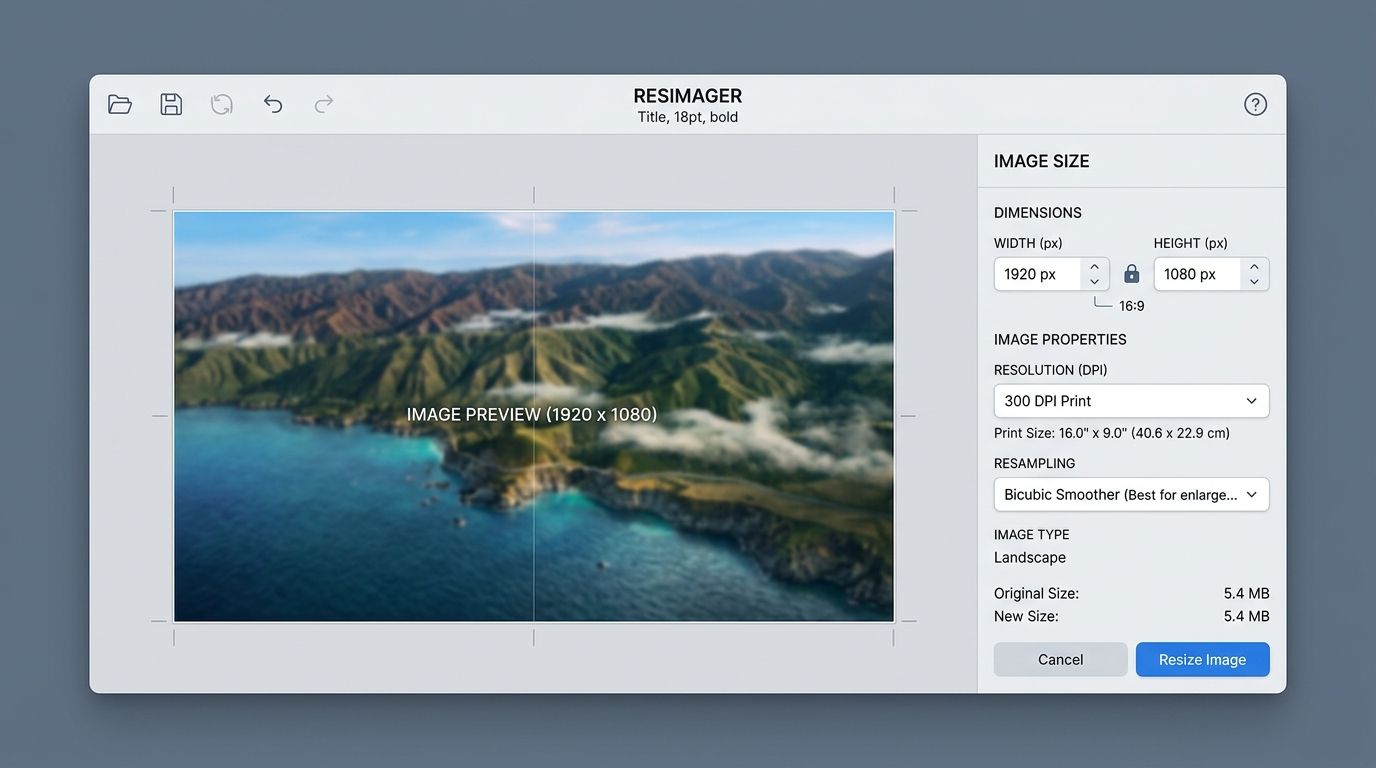
How to Resize Image Dimensions in Pixels, Centimeters & DPI Without Blurring
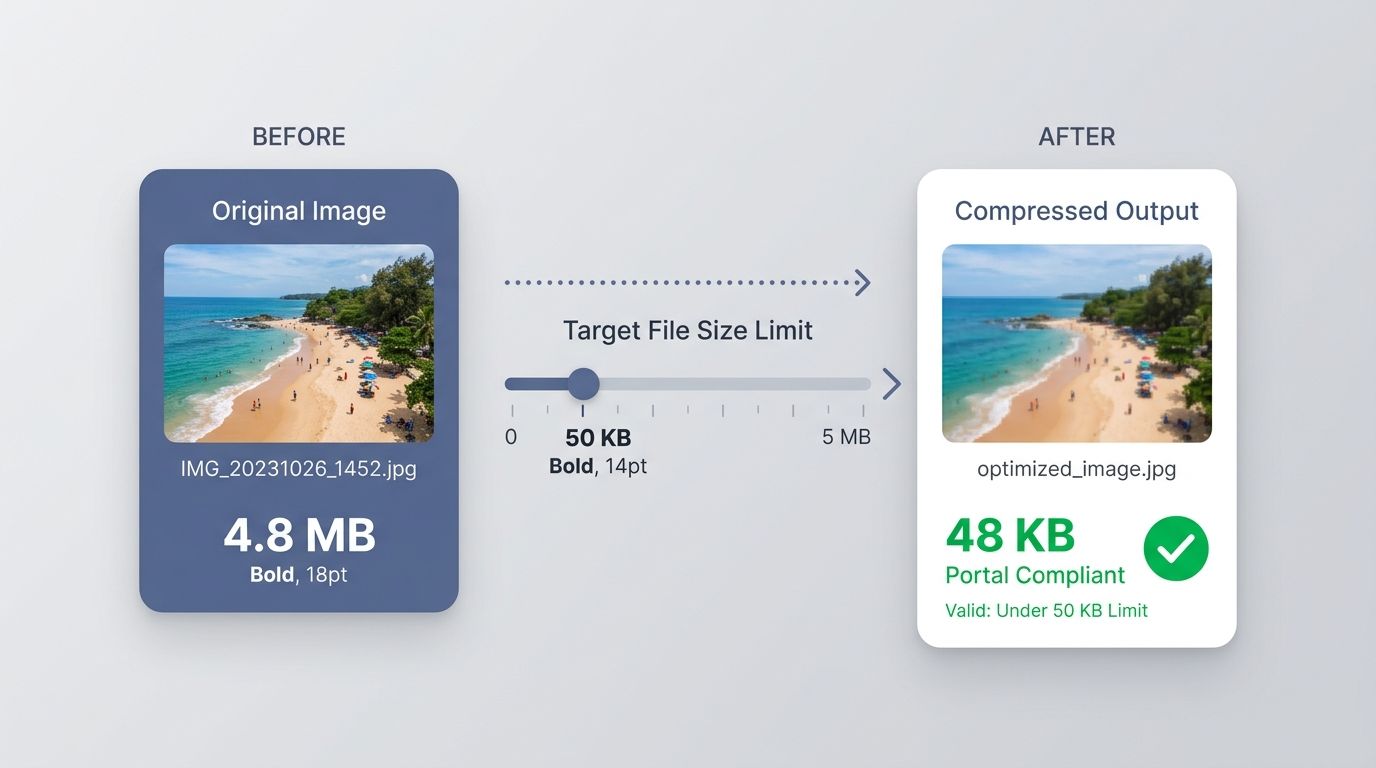
How to Compress Images to 20KB, 50KB, or 100KB for Government Portals & Web